

Updates to your SMU alumni digital services
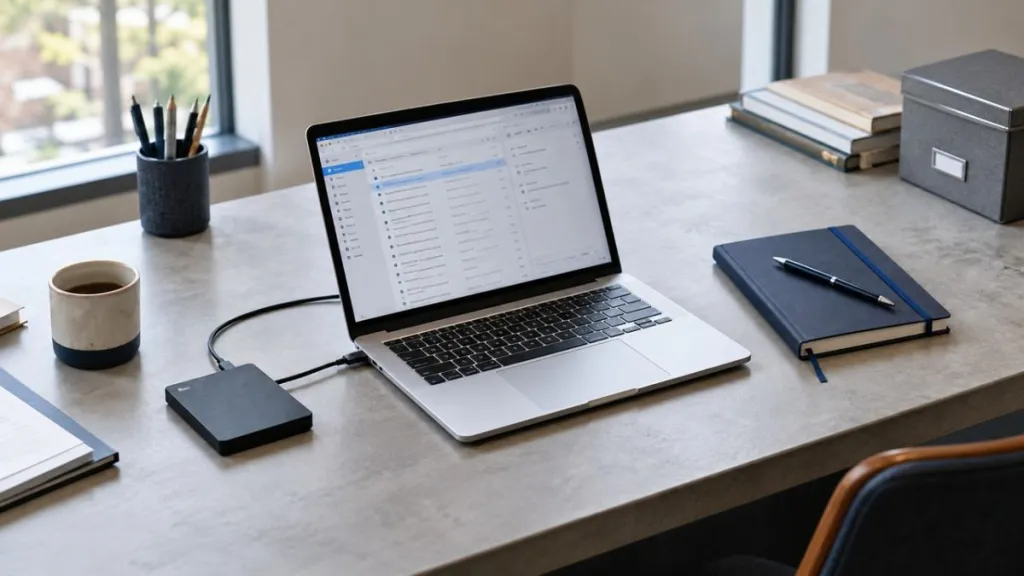
SMU will be making changes to alumni OneDrive access, SMU Google accounts and email storage as part of our ongoing efforts to maintain sustainable and reliable digital services.
We understand that you may have important files and correspondence stored in these accounts. The information below explains what is changing and how you can prepare.
What is changing?
1. SMU OneDrive
Your access to SMU OneDrive will be discontinued. Please download or transfer any files you wish to keep before [confirmed deadline].
2. SMU Google account
Your access to the SMU Google account will be discontinued. This applies to the whole account, including Google Drive. Please export any data you wish to retain before [confirmed deadline].
3. SMU Lifelong Email
Your alumni email account will remain available, with a mailbox storage limit of 15 GB, effective [confirmed date].
What you need to do
1. Save your OneDrive files
Sign in to your SMU OneDrive account and download or transfer any files you wish to keep to your own device or another storage service.
Check that your saved files are complete and accessible before the deadline. Once OneDrive access is discontinued, any remaining files will no longer be accessible.
2. Export your SMU Google account data
If you use your SMU Google account, use Google Takeout to export the data you wish to retain, including files stored in Google Drive.
Download and check your exported files before access ends.
3. Review your email storage
Review your SMU mailbox and save any important correspondence or attachments externally. Delete emails and large attachments that you no longer need to keep your mailbox within the 15 GB limit.
If your mailbox exceeds the limit, incoming emails will be suspended until sufficient space is freed.
Need assistance?
For help accessing your account or preparing for these changes:
- Reset your password: [Insert confirmed link]
- Account and technical support: [Insert confirmed contact or support link]
Frequently Asked Questions
These updates support the sustainability and reliability of SMU’s digital services and help us manage digital resources responsibly.
No. Your SMU alumni email account will remain available, with a mailbox storage limit of 15 GB.
Yes. Once your OneDrive access is discontinued, any files remaining in the account will no longer be accessible. Please download or transfer the files you wish to keep before the deadline.
Incoming emails will be suspended until you free up sufficient space. We encourage you to review your mailbox ahead of the change to avoid disruption.
Try signing in before the deadline so that you have time to resolve any access issues and save your files. If you cannot sign in, use the password reset link below or contact the support team.